 Français (France)
  Finnish (FI)
  English (United Kingdom)




Open project list by selecting 'Projects' from the 'Projects' main menu and click on the project name to open the project display. Click on the 'Show tasklist' button (see picture 1) to see the task table showing project tasks.
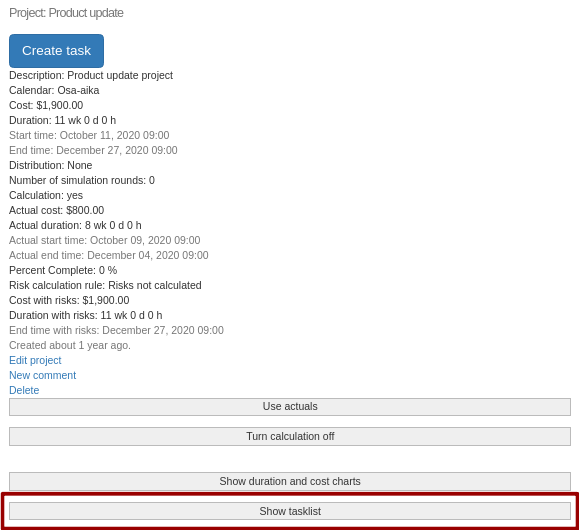
Picture 1. 'Show tasklist' button in project display.
Click on the task name in the task table to open the task display. In the view click on the 'New comment' link to create a new comment.
Title for the comment is required. Additionally you can give a separate description.
The comment view is shown after creating the comment. You can either edit or delete the comment by clicking on the respective links. On the left hand side of the view there is a link to the task.