 Français (France)
  Finnish (FI)
  English (United Kingdom)





Please note that MonteCrystal plan is required for exporting an XML file.
First open project list by selecting 'Projects' from the 'Projects' main menu. To select the project click on the project name link. The 'Export XML' button is located in the project display between the 'Copy project' and 'Create task' buttons (picture 1). The file will then appear in the browser download window. Picture 2 shows an example of an exported XML file.
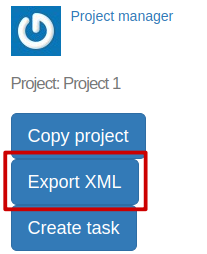
Picture 1. 'Export XML' button is in the project display.
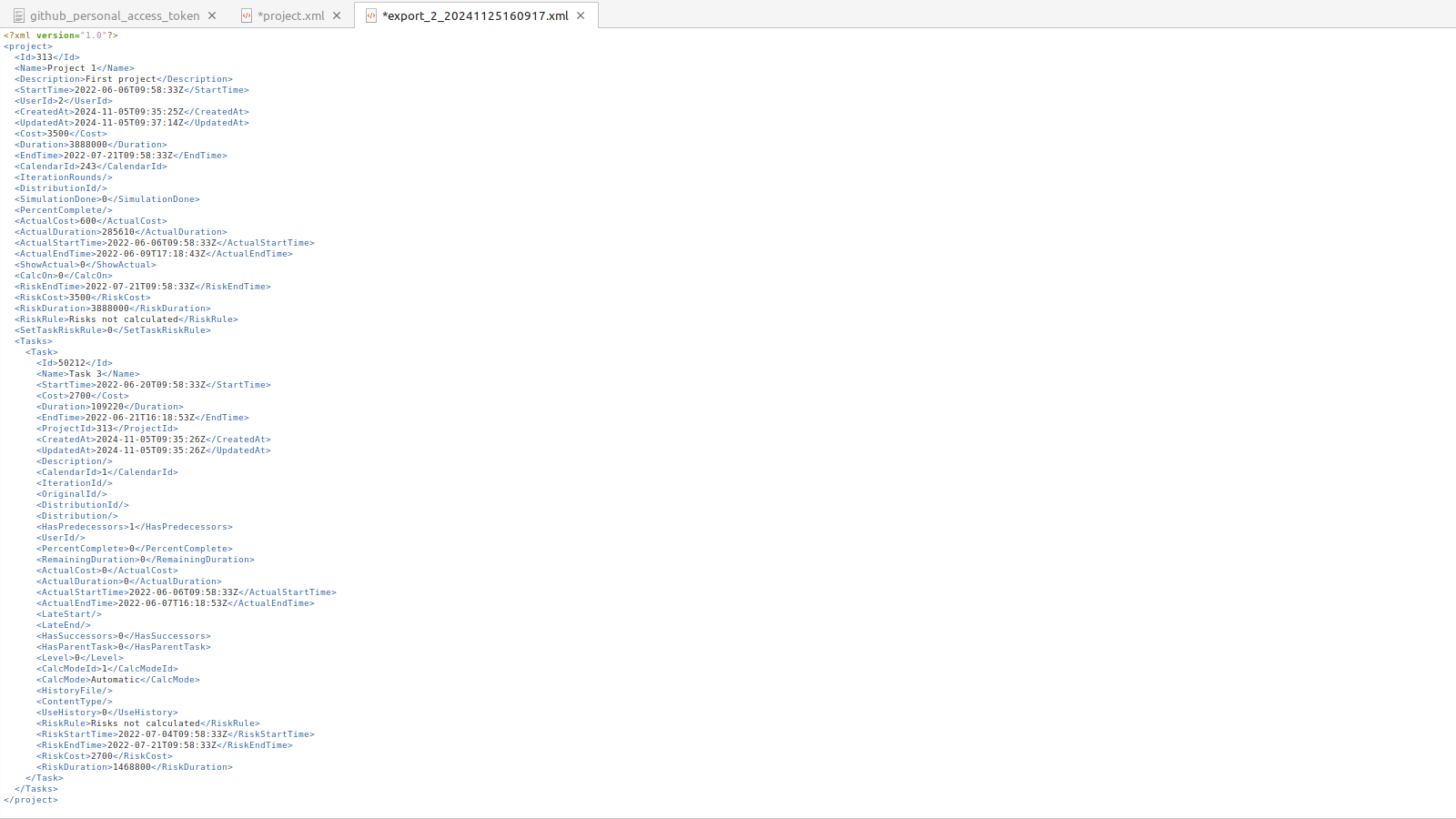
Picture 2. An example of an exported XML file.